Many buyers assume that WiFi repeater, WiFi extender, and WiFi booster describe three very different products. In real market use, that is often not the case. Across retail listings, marketplace titles, and OEM inquiries, these three labels are often used interchangeably even when buyers are describing the same coverage problem.
That is why this topic creates so much confusion. The words sound different, but in many buying situations, the actual selection logic is much closer than people expect.
This article focuses less on wording alone and more on what actually matters in product selection: deployment logic, upstream signal quality, supported modes, and the real coverage problem the buyer is trying to solve.
Written by iGrentech Content Team | Reviewed by Engineering Team | Updated: April 2026
Contents
Why These Terms Confuse Buyers
The confusion starts with search behavior. Most users do not begin with a technical product definition. They begin with a problem: a weak room, a poor upstairs connection, or a far corner that the router no longer reaches. That is why the word “booster” appears so often. In many buyer conversations, it is a problem word, not a precise product category.
At the same time, sellers and platforms often use repeater and extender in overlapping ways. One listing may say repeater, another may say extender, and a third may say booster, even though all three products are targeting the same basic goal: improving coverage beyond the main router’s strongest area.
From a sourcing and support perspective, this happens all the time. Buyers often describe the result they want, while suppliers classify products by function, radio design, ports, and supported modes. That is why naming alone should never drive the purchase decision.
How the Market Uses These Names
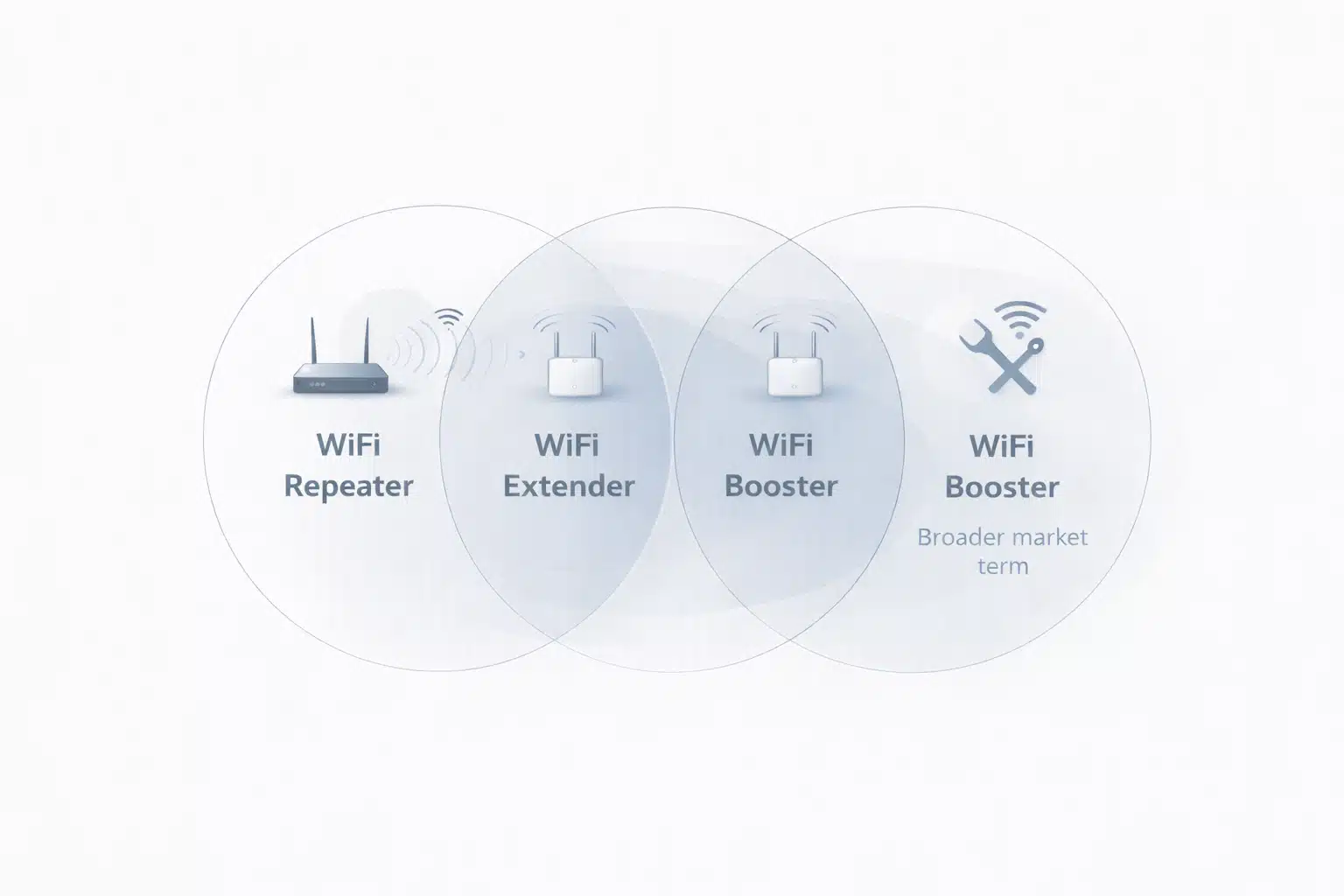
In many parts of the market, WiFi repeater and WiFi extender are used almost as interchangeable labels. Both usually refer to a device that connects to an existing WiFi network and helps extend coverage into a weaker area. In practical buyer-facing language, the difference is often more about branding and listing style than about a completely different product architecture.
The word booster is less precise. In many buyer conversations, “booster” simply means, “I want better WiFi here,” not, “I have already chosen a specific device architecture.” Naming also varies by brand and market, so the same product may be labeled differently across different channels.
From a buyer’s perspective, the better question is not “Which word is correct?” The better question is “What kind of coverage problem am I actually solving?”
What Repeaters and Extenders Usually Do
In most common use cases, a repeater or extender works in a simple way: it connects to an existing wireless signal, receives that signal, and rebroadcasts it into another area. That is why these products are often used for one weak room, upstairs dead zones, edge-of-coverage areas, and projects where adding Ethernet cabling is not the first choice.
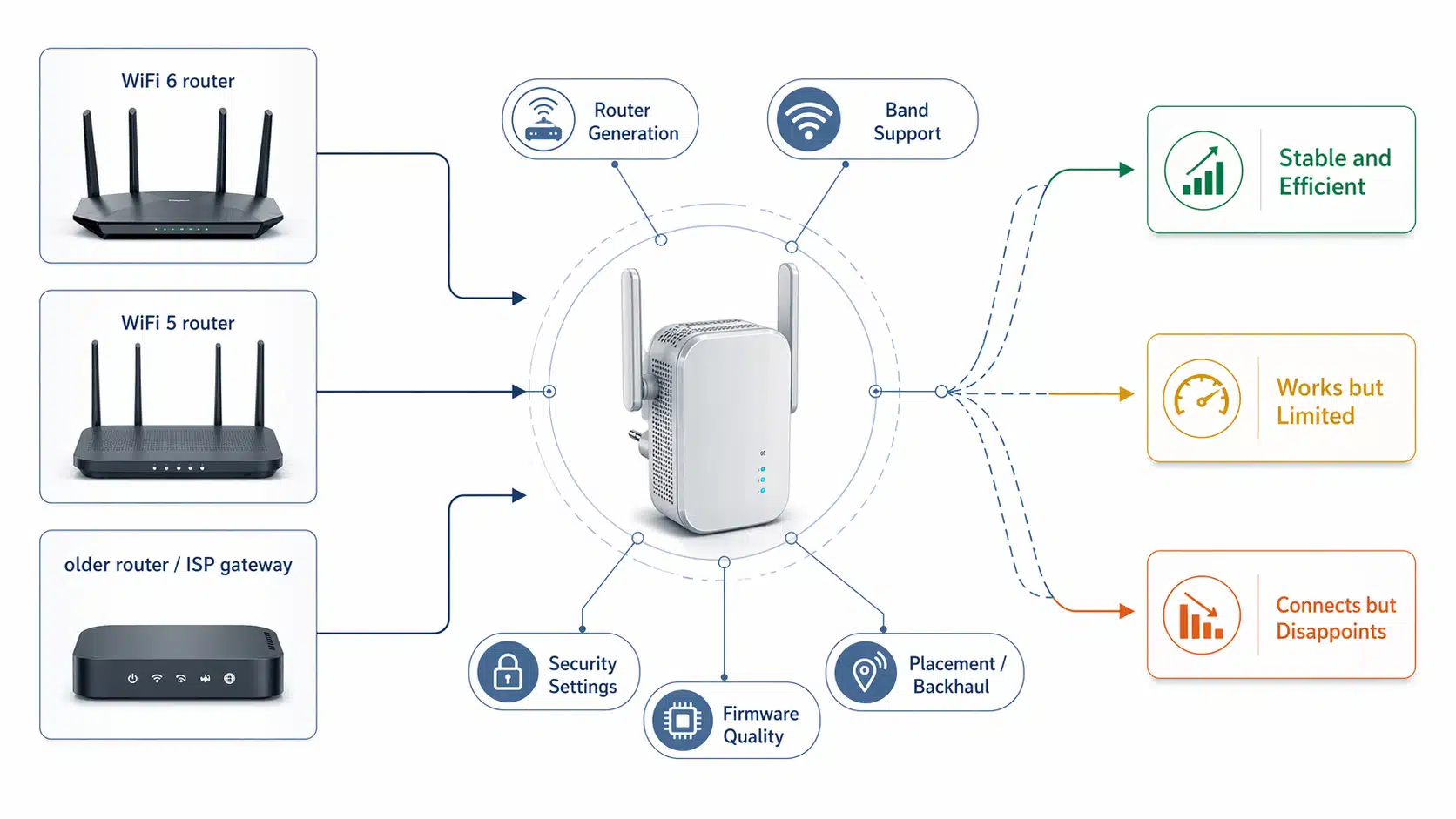
But there is an important limitation that buyers often underestimate: a repeater or extender only performs as well as the signal it receives. If the upstream router signal is already unstable at the installation point, the product may still connect, but the user experience can remain disappointing.
Depending on radio design, backhaul conditions, and installation position, real usable throughput at the far end can be noticeably lower than the headline rate shown in a product listing. In practical installation work, the unit is usually placed in a transition zone rather than inside the weakest dead zone itself.

What “Booster” Usually Means in Marketing
In WiFi marketing, “booster” is usually a broad, user-friendly word. It sounds simple, it sounds strong, and it sounds as if the device will “boost” the network in an obvious way. That is exactly why it is popular in search and product listings.
But from a stricter technical standpoint, booster is often not the most useful label for comparing product types. In many cases, it is just another way of describing a coverage-improvement product without saying much about how the device actually works.
This is also why the term can mislead buyers. The word may sound as if it refers to a stronger or more advanced architecture, when in many listings it simply points back to a standard repeater-style or extender-style product.
Technical reference note
In stricter engineering language, mainstream repeater and extender products are built around IEEE 802.11 wireless LAN standards, not around a separate “booster” standard. In broader wireless regulation language, the FCC also uses “signal booster” as an official term in another device context, which is one reason the word booster can create confusion when reused in WiFi marketing.
The FCC’s own home network guidance also discusses WiFi coverage improvement in practical deployment terms rather than in naming language alone.
When Product Mode Matters More Than Product Name
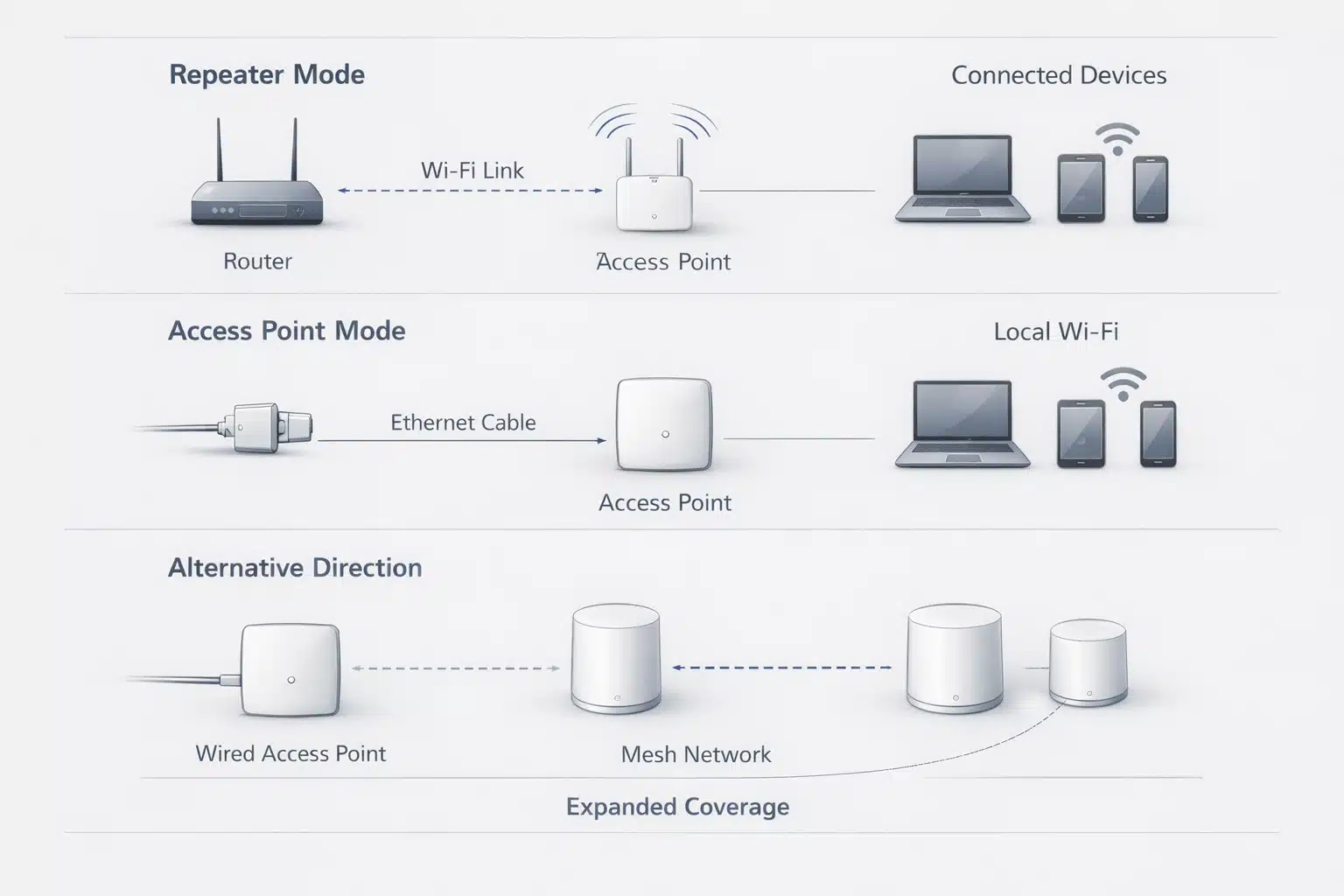
This is where the real selection logic begins. A repeater-only model, a repeater with Ethernet output, and a model that also supports AP mode may look similar in a listing, but they solve different deployment problems. That is why product mode often matters more than whether the title says repeater, extender, or booster.
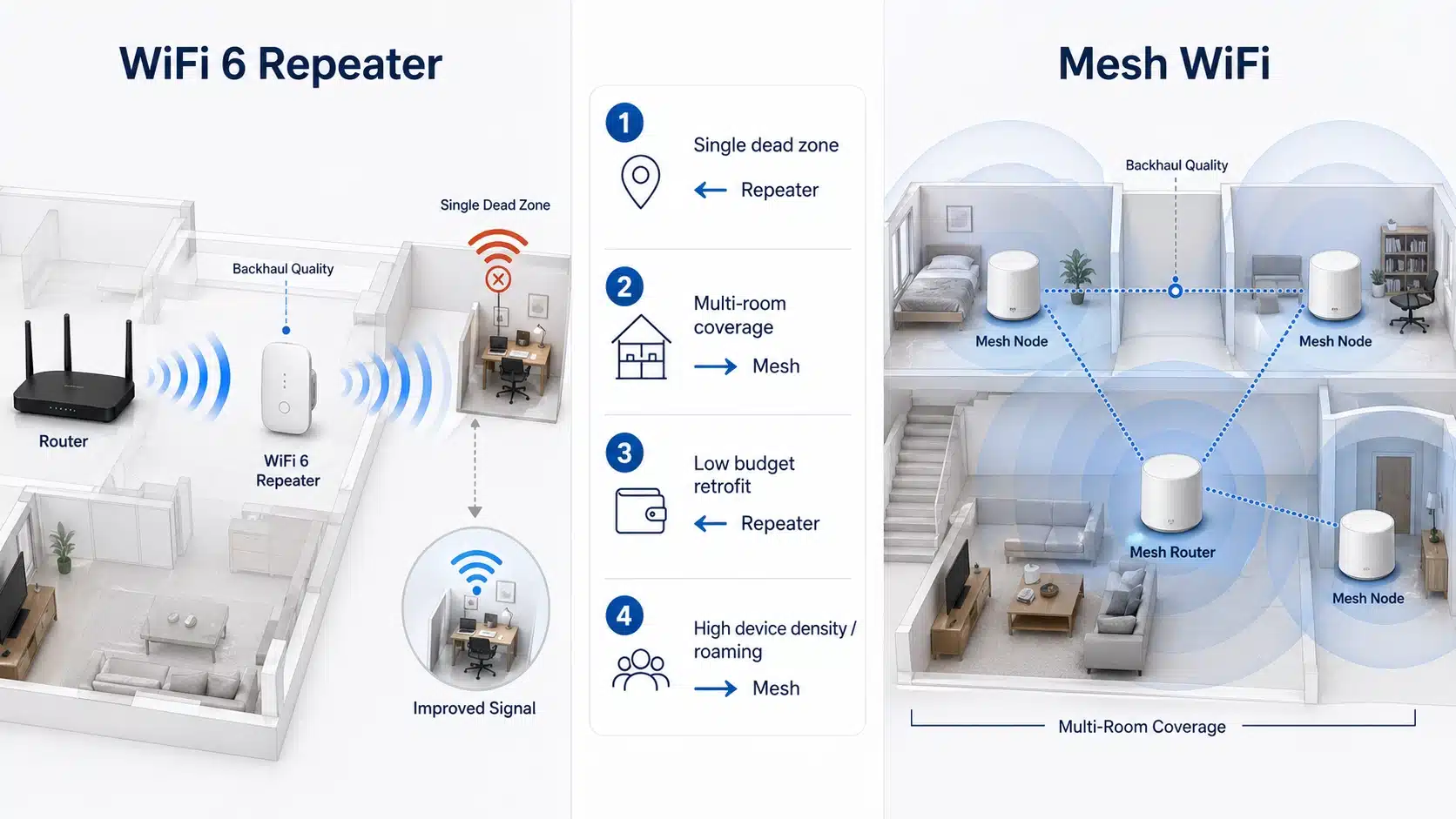
For example, if the goal is simply to improve wireless coverage in one weak room, a basic repeater-style model may be enough. But if the deployment also needs to serve a wired endpoint, then Ethernet output becomes important. If the project may later shift to another installation method, supported modes matter even more.
For office corners, POS terminals, IPTV points, desktops, or other fixed endpoints, port availability and mode flexibility can matter more than category naming. In larger layouts or multi-room coverage problems, the real answer may be better placement planning, a different topology, or a broader coverage redesign rather than a naming-based product comparison.

How to Choose the Right Device Type
A faster buying shortcut is to ask three questions first: Where is the weak area? How strong is the upstream signal at the intended install point? Do you need only WiFi extension, or also wired connectivity?
These three questions usually narrow the choice faster than comparing product names alone. They also reduce the risk of buying a repeater for a problem that is really caused by poor router placement, a difficult floor plan, or a larger topology issue.
| Real need | What usually fits best | What to check first |
|---|---|---|
| One weak room | Repeater or extender | Is the upstream router signal still stable at the intended install point? |
| Need wired endpoint support too | Model with Ethernet output or AP-related flexibility | LAN port, endpoint type, and actual installation position |
| Several weak rooms or more complex layout | May require broader planning beyond basic naming comparison | Building layout, wall loss, router position, and coverage path |
| Buyer is comparing only advertised Mbps | Not enough for a safe decision | Check mode, placement, band, port needs, and actual use case first |
The safest buying rule is simple: compare the coverage problem first, then compare modes and interfaces, and only after that compare the product label.
Best Product Categories for Each Need
Once the naming confusion is cleared up, the next step is not more terminology research. The next step is to move into the right product path.
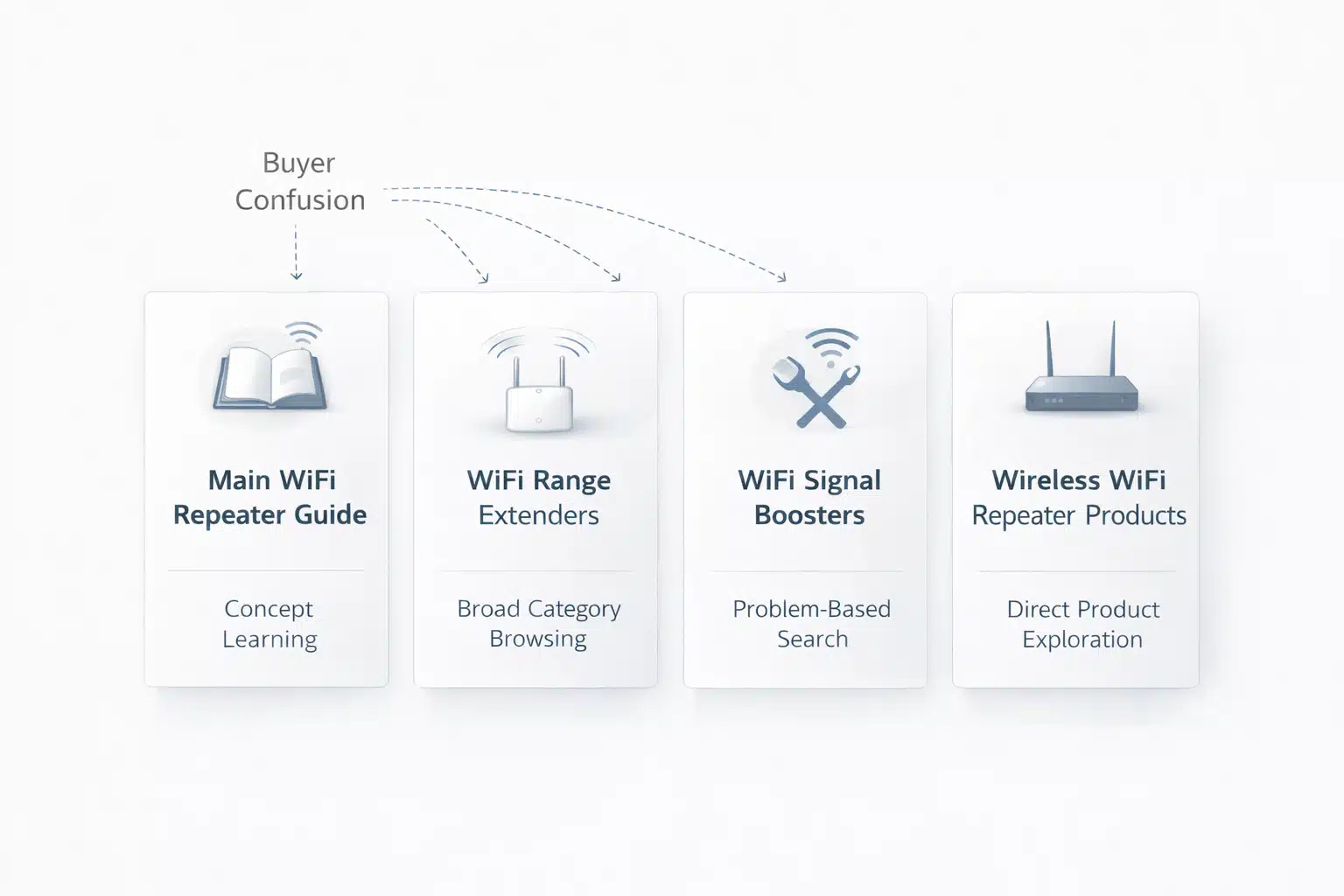
- If the reader still needs the basic concept and working logic, start with What Is a WiFi Repeater?.
- If the buyer is comparing broader retail-style coverage products, move to WiFi Range Extenders.
- If the search intent is still framed around “stronger WiFi” rather than device architecture, use WiFi Signal Boosters as the next path.
- If the reader is ready to move from concept comparison into the main product group, go directly to Wireless WiFi Repeaters.
FAQ
Is a WiFi repeater the same as a WiFi extender?
In many listings, yes. The two terms are often used for the same broad type of coverage product, although exact naming can vary by seller and market.
Is WiFi booster a technical product category?
Usually not in a strict WiFi product-selection sense. In many cases, it is a broader marketing or user-language term for “better WiFi coverage.”
Can a repeater fix poor router placement?
Not always. If the router itself is badly placed, the repeater may simply extend a weak upstream signal. In many cases, router position should be checked before adding a repeater.
Does a repeater always reduce speed?
Not in exactly the same way in every design, but real usable throughput can be lower than buyers expect because performance depends on signal quality, radio design, and placement conditions.
When should I choose a repeater with an Ethernet port?
A model with Ethernet output makes more sense when the deployment also needs to serve a wired endpoint such as a desktop, IPTV point, POS terminal, or another fixed device.
When is mesh a better choice than a repeater?
Mesh may be a better fit when the space is larger, coverage issues affect multiple rooms, or the project needs a broader whole-area solution rather than a single weak-zone fix.
Conclusion
The real difference between WiFi repeater, WiFi extender, and booster is often smaller than buyers expect. In many market contexts, repeater and extender describe the same broad coverage category, while booster is usually a looser buyer-facing or marketing term.
That does not make the comparison useless. It simply means the product name should not be the main decision point. For most buyers, the safest decision rule is simple: identify the coverage problem first, then choose the mode and interface that fit it. The label on the carton should come last.
Looking for the next step? Move from terminology into the right product path: What Is a WiFi Repeater?, WiFi Range Extenders, WiFi Signal Boosters, or Wireless WiFi Repeaters.