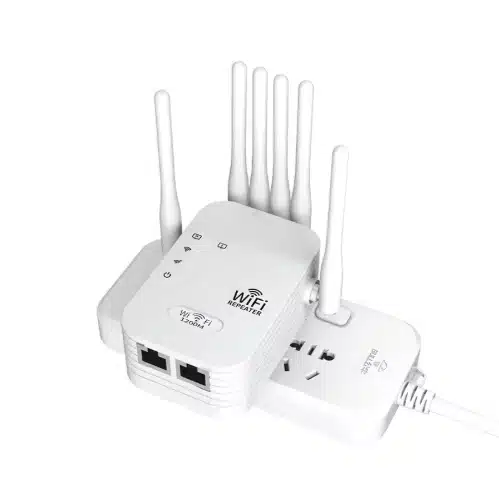
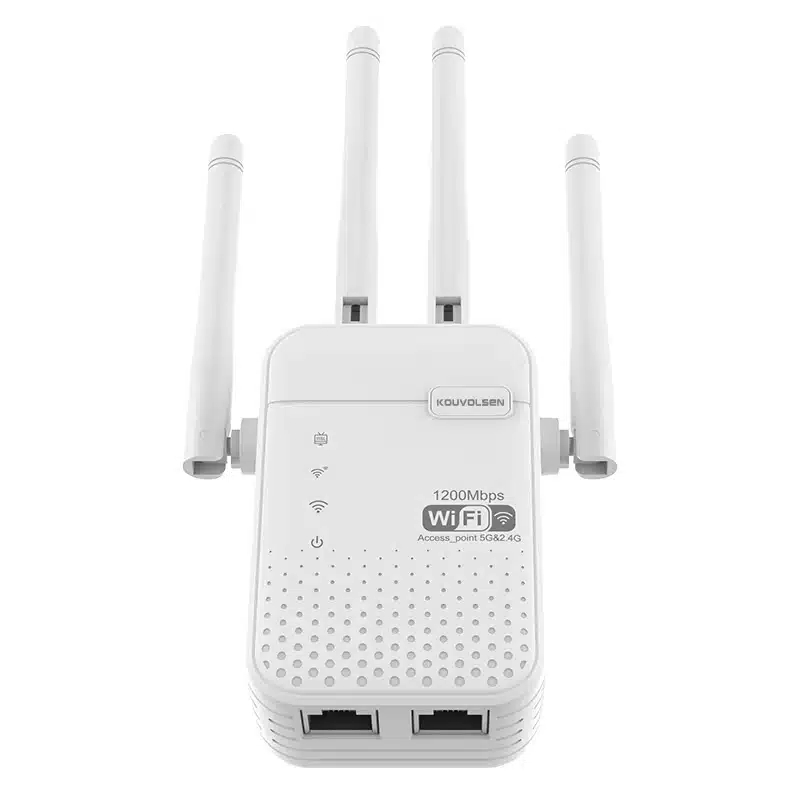
WiFi Repeater with Ethernet Port
Extend wireless coverage, connect wired devices, or switch to access point mode through Ethernet when the installation needs more flexibility.
-
For Wired Device Connection
Connect TVs, PCs, consoles, cameras, or other Ethernet-only devices through the repeater.
-
For Access Point Mode
Use the Ethernet port as uplink to create WiFi from a wired LAN point.
-
For Higher-Speed Installations
Choose Gigabit Ethernet models for better compatibility with higher-throughput networks.
-
For Compact Plug-In Deployment
Wall-plug designs simplify installation in homes, offices, rooms, and corridor edge zones.
WiFi Repeater Categories
By Standard
-
BE-Class WiFi 7 Repeater Direction
-
Tri-Band WiFi 7 Repeater Direction
-
WiFi 7 LAN Port Repeater
By Scenario
-
Dual-Band Outdoor Coverage Repeater
-
External Antenna Outdoor Repeater
-
LAN Port Outdoor WiFi Extender
-
OEM Outdoor Repeater Direction
-
Long Range External Antenna Repeater
-
Dual-Band Long Range WiFi Extender
-
Multi-Antenna Outdoor Repeater
-
OEM Long Range Outdoor Direction
-
USB-Powered Travel WiFi Repeater
-
Compact Dual-Band Camper Repeater
-
Portable WiFi 6 Repeater
-
Small LAN Port RV Repeater
By Installation
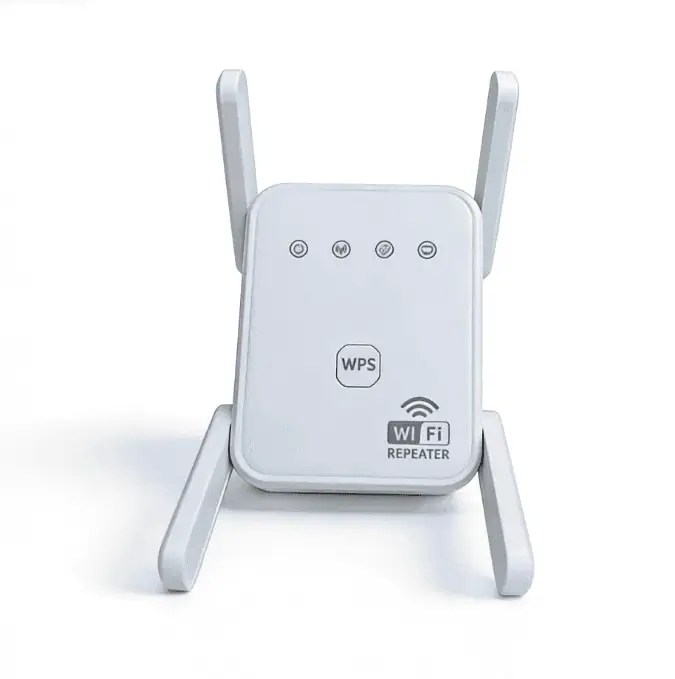
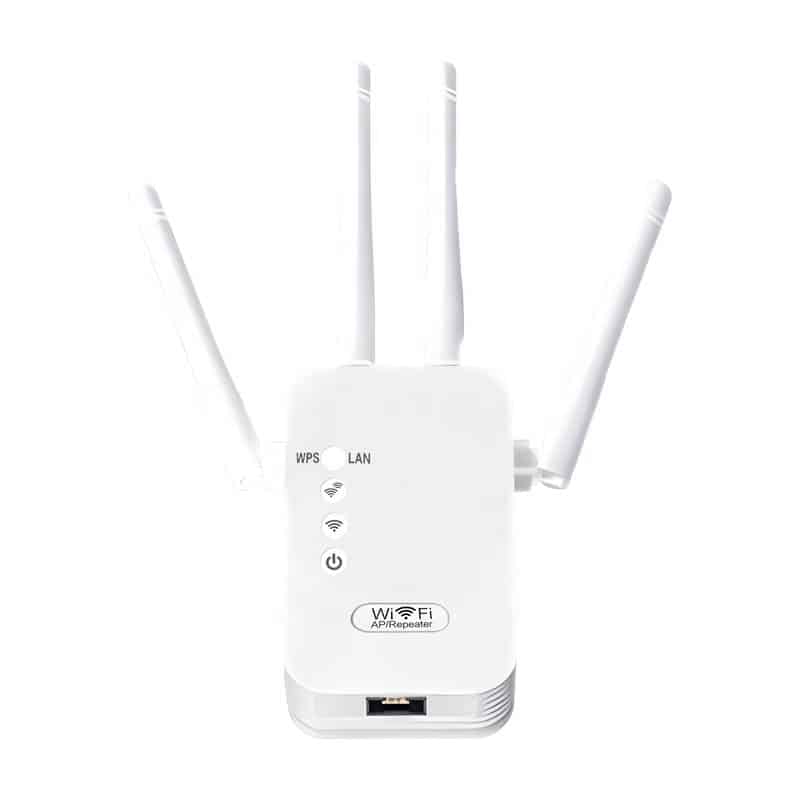
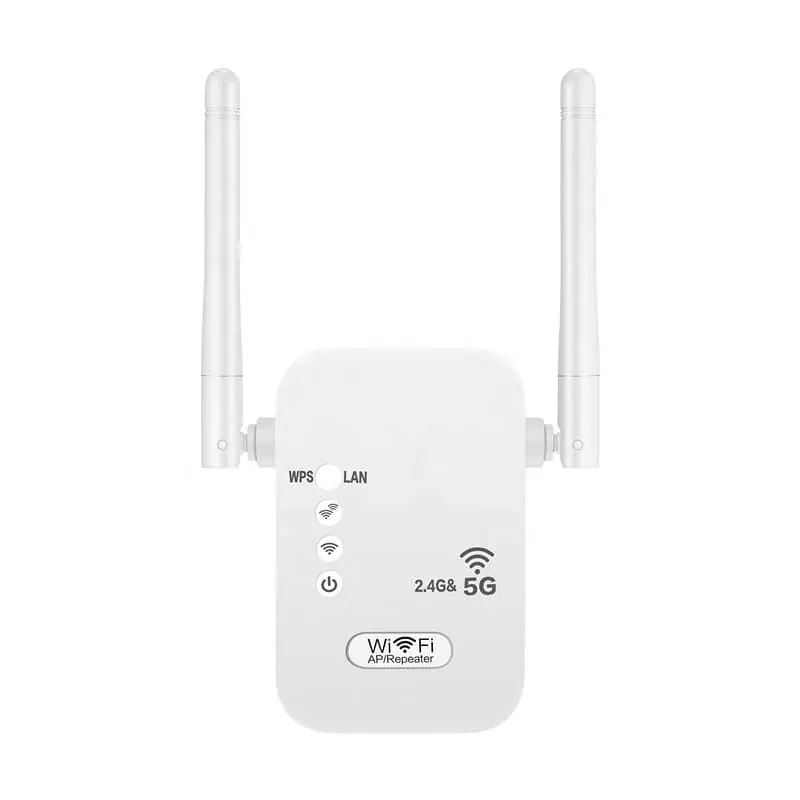
Our Ethernet Port WiFi Repeaters Models
WiFi Repeaters with Single LAN Port
WiFi Repeaters with Dual LAN Ports
Why the Ethernet Port Matters in Real Installations
An Ethernet port makes a repeater more than a wireless coverage tool. It adds support for wired devices, expands deployment options, and enables access point use on selected models.

Connect Ethernet-Only Devices
Use the repeater to connect TVs, desktops, consoles, DVRs, and other wired endpoints that cannot rely on WiFi alone.

Add Access Point Flexibility
Where a LAN outlet already exists, selected models can switch from repeater mode to AP mode and create local WiFi from wired uplink.

Fit Mixed Wired/Wireless Networks
This category works better in installations where wireless clients and at least one nearby wired device need to coexist.

Reduce Pure Repeater Limitations
An Ethernet-capable model gives buyers more ways to deploy the device instead of relying only on wireless repeating logic.
What the Ethernet Port Can Actually Do
On the right model, the Ethernet port is not just an extra connector. It expands the repeater from simple wireless extension into a more flexible edge-network role.

-
01. Work as a Wireless Adapter
Use the repeater as a wireless adapter for Ethernet-only equipment such as a smart TV, console, desktop, DVR, or similar endpoint.
-
02. Create WiFi from Ethernet
Use the Ethernet port as wired uplink and switch the unit into Access Point mode on supported models.
-
03. Switch Roles by Site Condition
The same device can work in repeater mode first and later be redeployed in AP mode if the project gains wired access.
-
04. Support a Mixed Edge Deployment
Serve wireless clients nearby while also feeding one wired endpoint through the Ethernet port.
Quick Technical Snapshot
For Ethernet-port repeaters, the key differences are not only about WiFi speed. Port class, mode support, and product tier often matter just as much.

Port Speed
Fast Ethernet and Gigabit do not offer the same deployment ceiling.
Why It Matters: The Ethernet port can become the real bottleneck.

Mode Support
The value of the port depends on what the firmware allows.
Why It Matters: Extender mode alone is not enough; AP mode support changes deployment options.

Wireless Generation
Wireless-N, AC, and AX products serve different expectations.
Why It Matters: As wireless capability rises, port speed matters more.

Security Level
Security support often reflects product age and class.
Why It Matters: Newer tiers are more likely to align with current network expectations.

Installation Fit
Physical format still affects real deployment value.
Why It Matters: Compact wall-plug models fit rooms, desks, and corridor edge points more easily.

Upgrade Path
A better Ethernet-port repeater gives more than one deployment option.
Why It Matters: A site can start in extender mode and later shift to AP mode if cabling is available.
- Fast Ethernet still appears in entry-tier models
- AP mode matters more than the connector alone
- Port speed should match product tier
- Ethernet support improves deployment flexibility
Fast Ethernet vs Gigabit Ethernet
Port class matters most when the Ethernet port is part of the real deployment plan.
Fast Ethernet Fits
-
01. Entry-tier Ethernet-port repeaters
-
02. Basic wired-device connection
-
03. Lower-cost AC-class products
-
04. Simpler installation expectations
Gigabit Ethernet Fits
-
01. Higher-tier extender positioning
-
02. Stronger mixed wired/wireless use
-
03. More future-proof deployment planning
-
04. Simpler installation expectations
Fast Ethernet is still real in the market. Gigabit is usually the stronger choice when the Ethernet port is expected to carry real deployment value. This is an engineering conclusion based on the cited specifications and documented mode support.
Where WiFi Repeaters with Ethernet Port Make More Sense
This type is not only about extending WiFi. It makes more sense when the Ethernet port becomes part of the actual installation logic.
Room or Zone with an Existing LAN Jack
- Use this type when a wired network point is already available near the target coverage area.
- Why It Fits: Supported models can use the Ethernet port for Access Point mode.
- Deployment Note: A cleaner option for rooms, offices, corridors, and retrofit zones.
Retrofit or Temporary Installations
- Use this type when the final topology may change after deployment starts.
- Why It Fits: The same device may support both extender and AP-style deployment paths.
- Deployment Note: Useful for phased upgrades, temporary spaces, and uncertain final layouts.
TV, Console, Desktop, or DVR Corner
- Use this type when one nearby endpoint still depends on Ethernet.
- Why It Fits: The repeater can connect Ethernet-enabled devices through the built-in port.
- Deployment Note: A practical fit for media corners, desktops, and device clusters in weak-signal areas.
Small Office Edge Position
- Use this type when wireless clients and one wired endpoint need to coexist in the same small zone.
- Why It Fits: It supports a cleaner mixed wired / wireless edge setup than a wireless-only repeater.
- Deployment Note: Common in reception points, printer corners, and compact work areas. This is an engineering inference based on documented functions.

OEM / ODM Evidence For Ethernet-port repeaters
For Ethernet-port repeaters, real customization is not only about branding. It starts with product definition, deployment logic, and market positioning.
Wireless Tier Planning
Support definition across different wireless generations and performance levels.
Project Value: Wireless class should match port class and target market level.
Ethernet Port Positioning
Support planning around Fast Ethernet or Gigabit Ethernet product tiers.
Project Value: Port class affects deployment ceiling and product segmentation.
Housing and Installation Direction
Support wall-plug, compact desktop, or installation-oriented hardware layouts.
Project Value: Form factor affects placement, thermal structure, and user fit.
Mode-Oriented Definition
Support product direction based on repeater mode, AP mode, or mixed deployment logic.
Project Value: Mode support changes how the port works in real projects.
Firmware and Brand Interface
Support private label software direction, setup flow adjustment, and branded UI planning.
Project Value: Software definition improves channel fit and brand consistency.
Market Adaptation and Packaging
Support packaging, labeling, language, and presentation planning for target markets.
Project Value: Better alignment with market-entry and channel requirements.
Typical OEM / ODM Scope
| OEM / ODM Item | Typical Support | What Buyer Can Confirm |
|---|---|---|
| Logo / branding | Yes | Device logo, label, carton artwork |
| Plug localization | Yes | EU / US / UK / AU plug options |
| Packaging customization | Yes | Gift box, carton mark, manual layout |
| Web UI / app branding | Project-based | UI screenshot or branding sample |
| Firmware feature adjustment | Project-based | Function list confirmation |
| Memory / flash configuration | Project-based | BOM / spec confirmation |
| Certification support | Project-based | Compliance file path by market |
| Sample validation | Yes | Pre-production sample review |
| Pilot run / trial order | Project-based | Trial quantity discussion |
| Mass production release | Yes | QC checkpoints after approval |
Note: OEM / ODM scope for WiFi 7 repeater projects depends on chipset platform, firmware path, compliance requirements, MOQ, and target market. Not every customization item applies equally to every project.
Need a WiFi Repeater with Ethernet Port OEM / ODM partner?
Talk to our team about firmware, housing, interface, and packaging customization.
Home WiFi Repeater FAQ
These questions cover the most common concerns around indoor deployment, product tier selection, and OEM planning for home WiFi repeater programs.
1. Does an Ethernet port always mean AP mode support?
No. The port enables the hardware path, but AP mode still depends on model and firmware support.
2. Can the Ethernet port connect a TV, PC, console, or DVR?
On supported models, yes. The port can serve Ethernet-enabled devices after the extender joins the existing WiFi network.
3. Is Fast Ethernet still acceptable?
For light wired use, it can still fit. For stronger daily use or AP-mode planning, Gigabit is usually the safer tier.
4. Does an Ethernet-port repeater always perform better?
Not automatically. The benefit depends on whether the port is actually part of the deployment logic.
5. When does the Ethernet port matter most?
It matters most when the device must feed a wired endpoint or work from a wired LAN point in AP mode.
6. Is AP mode better than repeater mode when Ethernet is available?
In many cases, yes, because the wired uplink can provide a faster and more reliable path.
Find the Right WiFi Solution for Your Needs
Explore by Product Type
👉 Compare different WiFi expansion solutions based on performance and usage.
Explore by WiFi Standard
👉 Choose based on speed, performance, and compatibility.
Explore by Application Scenario
👉 Find the best solution for your specific environment.
Explore by Installation Type
👉 Please make your selection based on the wireless repeater’s interface and installation method.
Contact Us
Please fill out the form below, and our professional consultants will assist you as soon as possible, typically within 24 hours.
Contact Information
Phone: +8618682468703
WhatsApp: +8618682468703
Email: addway.wang@lgxlgx.com
Address: Room 301, Building A2, Qiangrong East Industrial Zone, No. 723 Zhoushi Road, Hangcheng Street, Shenzhen, Guangdong, China