WiFi 5 Adapters
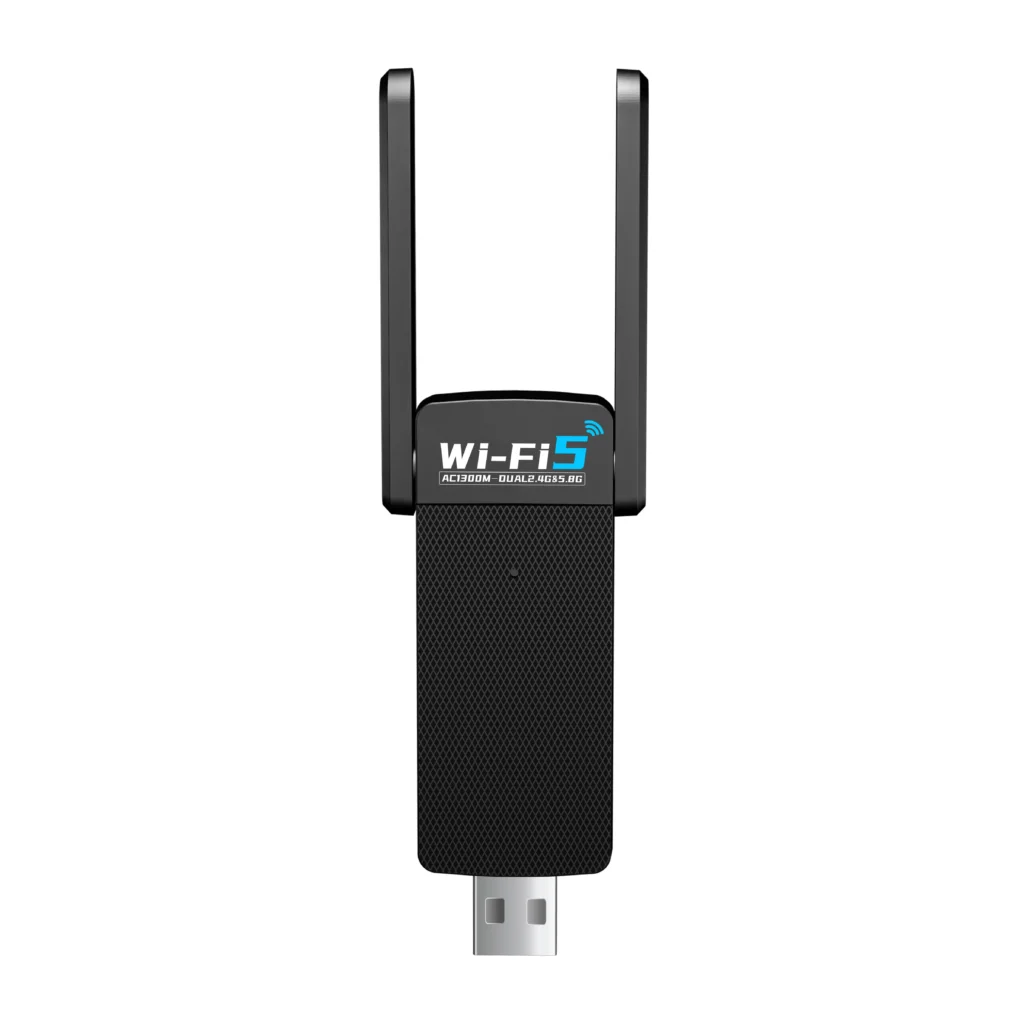
WiFi 5 adapters are 802.11ac client adapters designed for practical dual-band upgrades on desktops, laptops, and cost-sensitive OEM projects.
-
WiFi 5 adapter = market-facing category name
-
802.11ac adapter = more accurate engineering term
-
AC600 / AC650 / AC1200 / AC1300 = advertised class labels, not guaranteed real throughput
-
Dual-band adapter = functional description, usually meaning 2.4GHz + 5GHz support
What This Category Is Actually For
This category is for buyers who need a practical dual-band upgrade over older entry-level adapters. It fits desktop and laptop projects where balanced cost, broad compatibility, and mainstream WiFi 5 performance matter more than moving to WiFi 6.
- Desktop upgrades without stable dual-band WiFi
- Laptop add-on connectivity or replacement demand
- Mainstream office, retail, and home-use projects
- OEM / ODM programs focused on cost-performance and mature compatibility
- Projects that require WiFi 6 / WiFi 7 positioning
- Deployments that need 6GHz support
- Mixed-OS projects without driver validation
- Buyers expecting the adapter alone to solve wider network coverage problems
Common Product Classes in This Category
Within WiFi 5 adapters, buyers usually compare by interface, antenna structure, size, and product tier rather than by the standard name alone. The most common split is between compact USB models, external-antenna USB models, higher-class USB 3.0 models, and PCIe desktop solutions.
Nano USB WiFi 5 Adapters
Small dual-band USB adapters designed for compact and low-visibility installation.
Laptop mobility, light office use, travel demand, and simple plug-in upgrades.
Usually less suitable for weak-signal desktop positions where antenna advantage matters more.
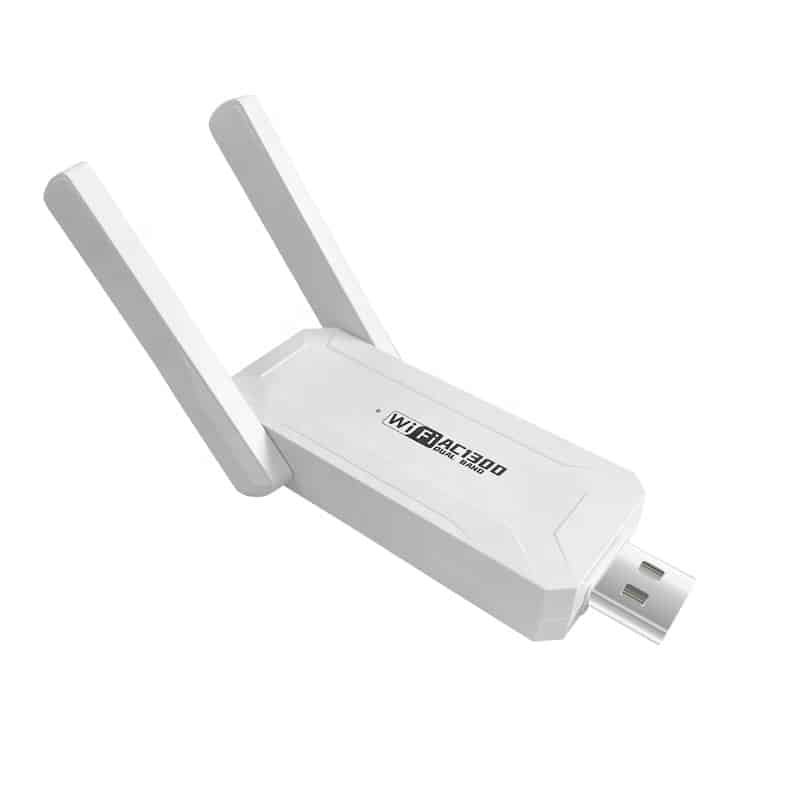
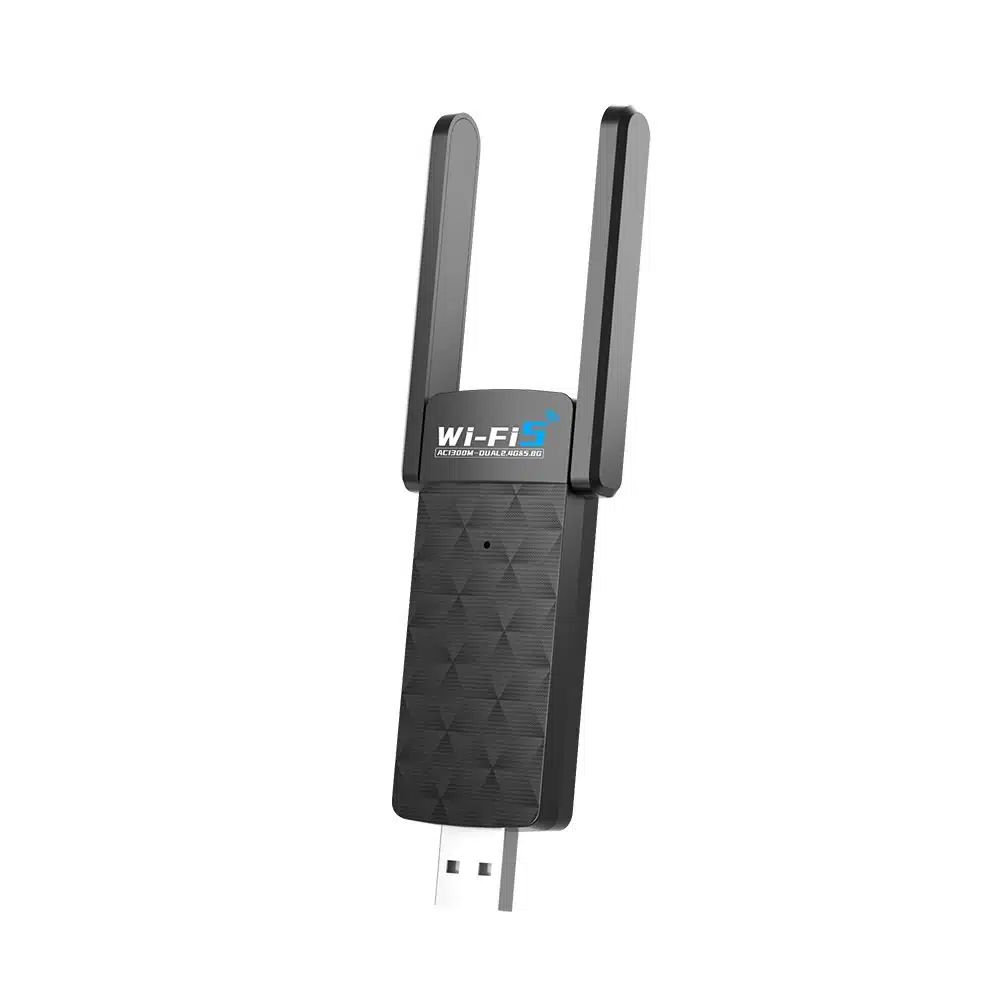
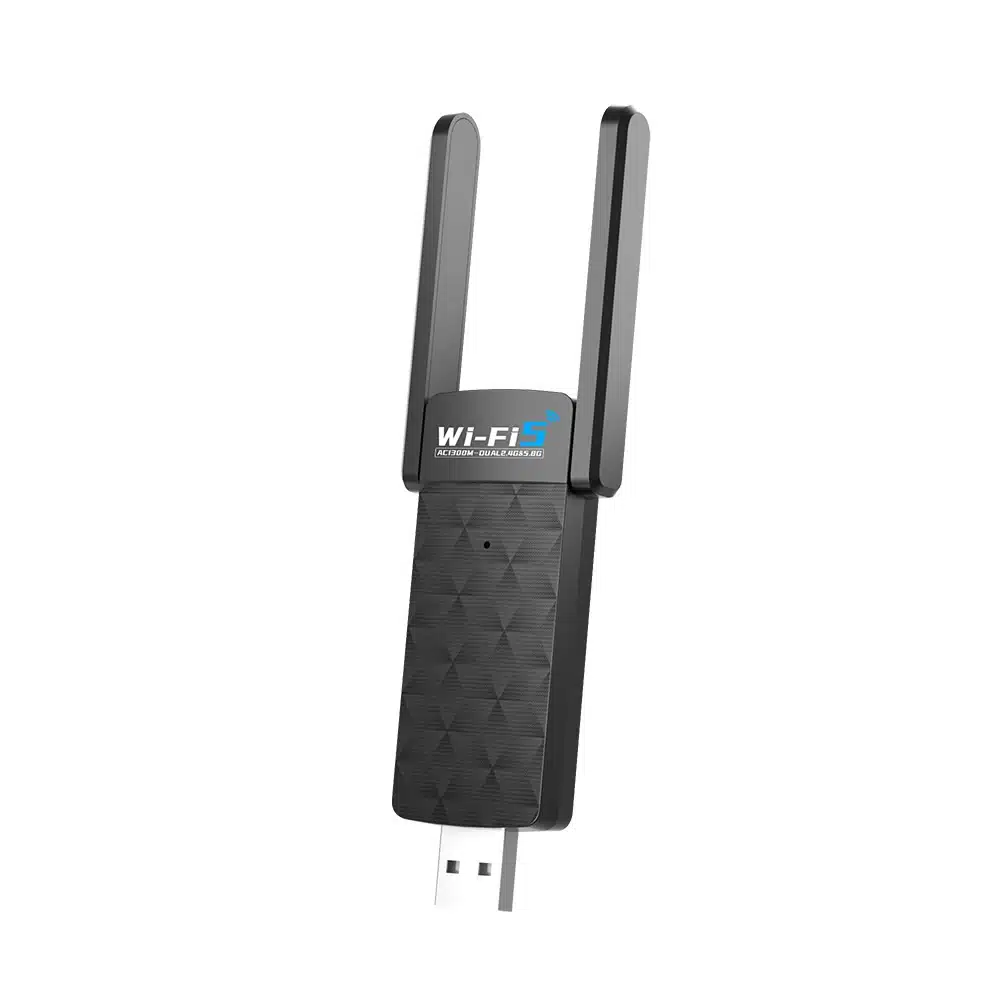
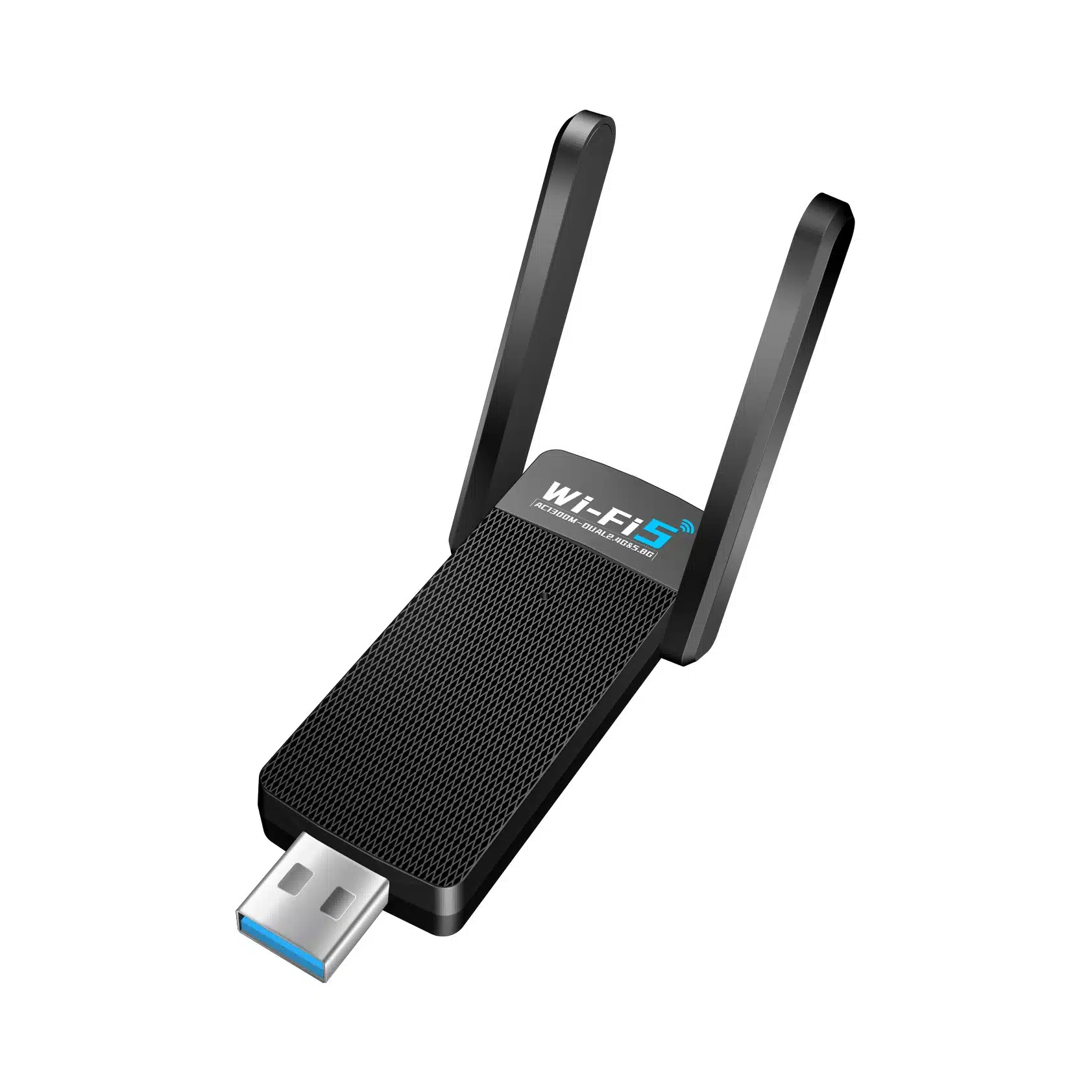
External-Antenna USB WiFi 5 Adapters
USB models with larger antenna structure for more flexible placement and stronger practical use.
Desktop upgrades, moderate indoor range, and mainstream retail or channel projects.
Check housing size, USB port clearance, antenna angle, and whether an extension cable is needed.
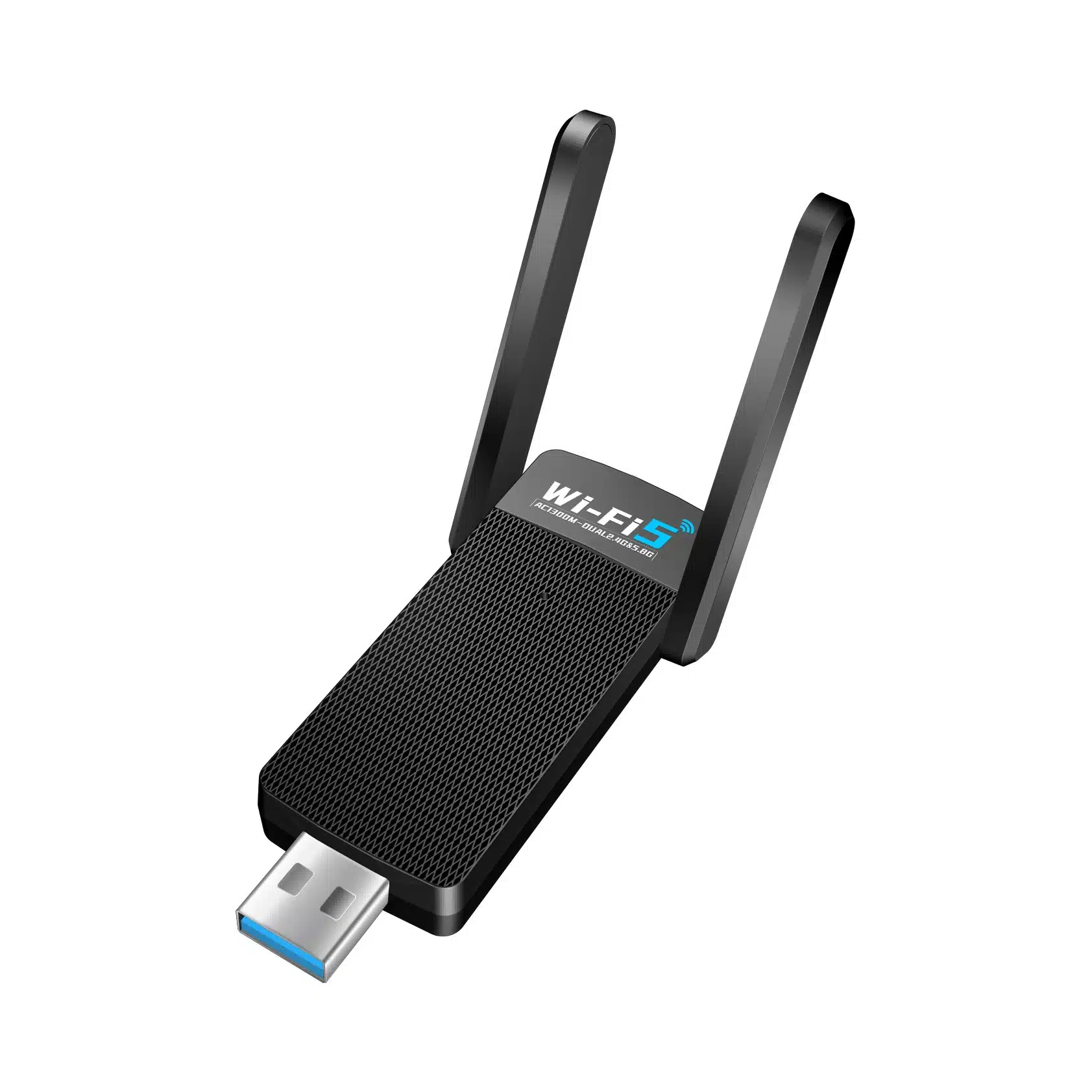
USB 3.0 High-Speed WiFi 5 Adapters
Higher-tier dual-band USB options often used for stronger mainstream AC positioning.
Buyers who want stronger everyday WiFi 5 performance without moving into WiFi 6.
Confirm the actual host USB port, power stability, and driver behavior on the target system.
PCIe WiFi 5 Adapters
Desktop add-in solutions built for fixed installations and better antenna flexibility.
Desktop builds, stable mechanical installation, and WiFi plus Bluetooth desktop demand.
Verify motherboard slot space, chassis fit, antenna routing, and Bluetooth cable requirements.
What Buyers Should Actually Compare
Buyers should not compare WiFi 5 adapters by AC number alone. The more useful comparison points are interface path, antenna design, OS support, mechanical format, and whether the product fits entry, mainstream, or OEM-focused demand.
| What to Compare | Why It Matters | What Buyers Should Confirm |
|---|---|---|
| Wireless Class | Helps define the product tier and expected positioning in the market. | Is the target demand entry-level, mainstream, or higher mainstream WiFi 5? |
| USB / PCIe Interface | Affects host compatibility, installation method, and product structure. | What interface does the target device actually support, and is fast deployment or fixed installation more important? |
| Band Support | Dual-band capability affects real use flexibility and practical network matching. | Is 5GHz needed for higher-speed use, or is the project mainly replacing older basic wireless access? |
| Antenna Design | Strongly influences practical signal handling, placement flexibility, and product size. | Should the product use internal, compact, foldable, or external antenna structure? |
| OS & Driver Support | Directly affects return rate, support workload, and channel suitability. | Is the project Windows-only, or does it also require Linux or Mac support and version-level validation? |
| Bluetooth Integration | Important for desktop demand where one adapter may need to handle both WiFi and Bluetooth. | Is Bluetooth required, and should it be part of the same SKU or a separate solution? |
| Mechanical Format | Size and structure affect packaging, usability, thermal space, and target device fit. | Should the product be nano USB, standard USB, high-gain USB, or PCIe desktop card? |
| OEM Customization Scope | Bulk projects need more than hardware selection; repeat-order consistency also matters. | Have chipset route, branding, packaging, labels, manuals, and version control been defined before quotation lock? |
This Category vs Similar Options
This section should help users avoid comparing everything under the word “WiFi adapter” as if all classes mean the same thing. WiFi 5 adapters usually sit in the middle: clearly stronger than legacy WiFi 4 add-on upgrades, but still below WiFi 6 in platform generation and roadmap positioning.
| Option | Better when | Less suitable when |
|---|---|---|
| WiFi 4 Adapter | Lowest-cost basic wireless access is enough | Dual-band and better mainstream performance are needed |
| WiFi 5 Adapter | You want balanced cost, dual-band support, and mature mainstream positioning | The project requires WiFi 6 / WiFi 7 roadmap or 6GHz |
| WiFi 6 Adapter | You need newer-generation positioning and stronger futureproofing | Budget and channel demand point to proven WiFi 5 cost-performance |
| Ethernet connection | Stability is the top priority and cabling is possible | The deployment requires wireless flexibility |
USB WiFi 5 vs PCIe WiFi 5
| Option | Better when | What to watch |
|---|---|---|
| USB WiFi 5 Adapter | Fast deployment, laptop compatibility, easier replacement | Port type, heat, antenna limitations, driver package |
| PCIe WiFi 5 Adapter | Desktop-focused installations and better antenna flexibility | Slot availability, chassis fit, BT cable, install complexity |
Where This Type Makes More Sense
WiFi 5 adapters make the most sense when buyers need a practical dual-band upgrade with balanced cost, mature compatibility, and flexible USB or PCIe deployment. They are usually stronger as mainstream upgrade products than as high-end next-generation positioning tools.
Desktop Upgrade Programs
A strong fit for desktop PCs that need practical dual-band wireless access without moving the whole product line to a newer adapter generation.
Laptop Add-On Connectivity
Useful when buyers need a simple external wireless solution for laptop upgrade, replacement demand, or flexible plug-in deployment.
Mainstream Retail & Channel Supply
Well suited to markets that still need dependable WiFi 5 performance with disciplined pricing, broad compatibility, and familiar product positioning.
Cost-Sensitive OEM / ODM Projects
A practical route when the project needs a clear step up from older entry-level adapters while still keeping chipset choice, BOM control, and support risk manageable.
OEM / ODM / Bulk Supply Support
For many B2B projects, the main question is not only which WiFi adapter category looks suitable on paper. Buyers also need to confirm platform fit, packaging direction, driver path, specification stability, and whether the product line can be supplied in a controlled and repeatable way.
In bulk supply and OEM projects, product continuity, compatibility clarity, and packaging control often matter more than headline speed labels alone.
Buyer Checklist Before Moving Forward
Before moving into quotation, sampling, or bulk order discussion, buyers usually need to confirm the following checkpoints.
Support Areas Buyers Usually Need
The value of OEM / ODM support is not just customization. It is also about reducing sourcing friction and making the project easier to evaluate and manage.
Category Matching
Support for narrowing the right adapter category before the project moves into model-level comparison.
Sample Evaluation
Support for sample review around interface fit, platform compatibility, and product direction before bulk discussion.
Packaging Options
Support for standard packaging, bulk packing, private label presentation, and project-specific labeling needs.
Bulk Supply Alignment
Support for matching product family direction with wholesale demand, reseller needs, or regular project replenishment.
OEM Project Coordination
Support for projects that need clearer control over branding, packaging structure, and product-line consistency.
ODM Development Direction
Support for projects that may require deeper discussion around product direction, specification boundaries, and custom development scope.
For many adapter projects, the better sourcing path starts with confirming the right product family, the right compatibility direction, and the right packaging or project scope before pricing becomes the main discussion.
FAQ
These are the questions buyers most often ask before moving from category review to product comparison, OEM discussion, or bulk quotation.
Is a WiFi 5 adapter the same as an 802.11ac adapter?
Yes. “WiFi 5” is the market-facing category name, while “802.11ac” is the more accurate engineering expression.
Does AC1200 or AC1300 mean real throughput?
No. These are product-class labels, not guaranteed real throughput. Actual performance still depends on router capability, signal conditions, antenna design, interface limits, and driver behavior.
Should I choose USB or PCIe for a desktop PC?
USB is easier to deploy and replace. PCIe is usually the better fit for fixed desktop installations where antenna flexibility and long-term setup stability matter more.
Is WiFi 5 still suitable for bulk projects?
Yes, for many mainstream and cost-controlled projects. It remains a practical middle-ground between older WiFi 4 upgrades and newer WiFi 6 positioning.
Are all WiFi 5 adapters plug-and-play on Windows, Mac, and Linux?
No. OS support varies by chipset, vendor, model, and hardware version. Driver validation should always be confirmed before bulk purchase.
Can a WiFi 5 adapter solve weak coverage everywhere?
Not always. It can improve client-side wireless access, but it cannot replace proper router placement, access point planning, or wider network optimization when the bottleneck is the network itself.
When is Bluetooth combo worth adding?
It is usually worth considering when the target channel includes desktop users who want both WiFi and Bluetooth from one adapter SKU.
What should OEM buyers lock first?
Start with chipset route, interface type, OS support matrix, antenna structure, branding scope, packaging details, and sample validation standards before quotation lock.
Contact Us
Please fill out the form below, and our professional consultants will assist you as soon as possible, typically within 24 hours.
Contact Information
Phone: +8618682468703
WhatsApp: +8618682468703
Email: addway.wang@lgxlgx.com
Address: Room 301, Building A2, Qiangrong East Industrial Zone, No. 723 Zhoushi Road, Hangcheng Street, Shenzhen, Guangdong, China