300Mbps Wireless WiFi Repeater for Broader Indoor Coverage LGX-D12
-
Supports Repeater Mode and AP Mode
-
Designed for Indoor WiFi Blind Spot Coverage
-
Suitable for Multi-Room and Large Home Layouts
-
Memory Function for Easier Re-deployment
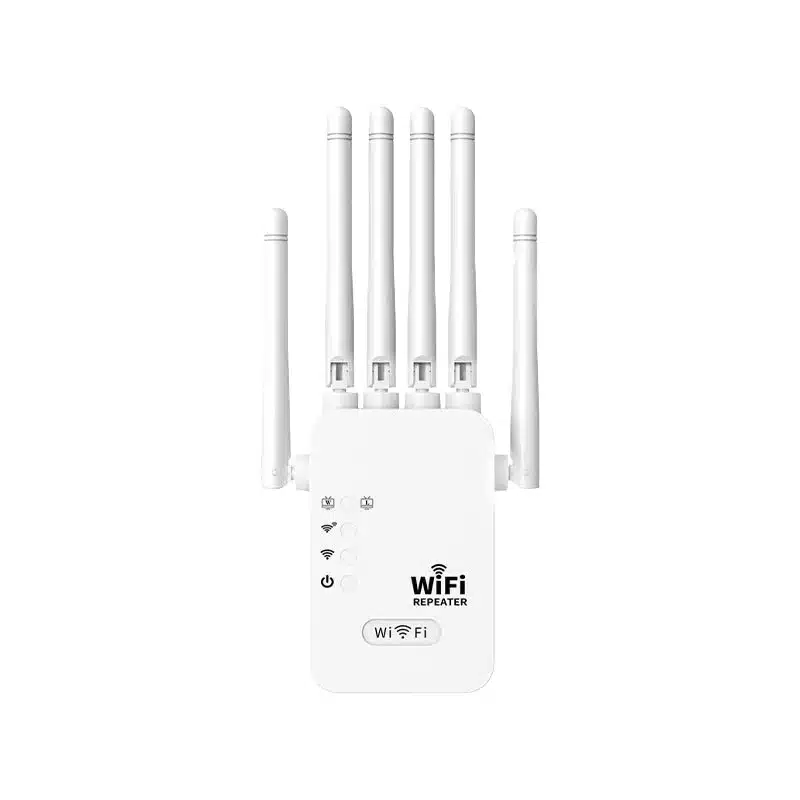
Product Images & Details
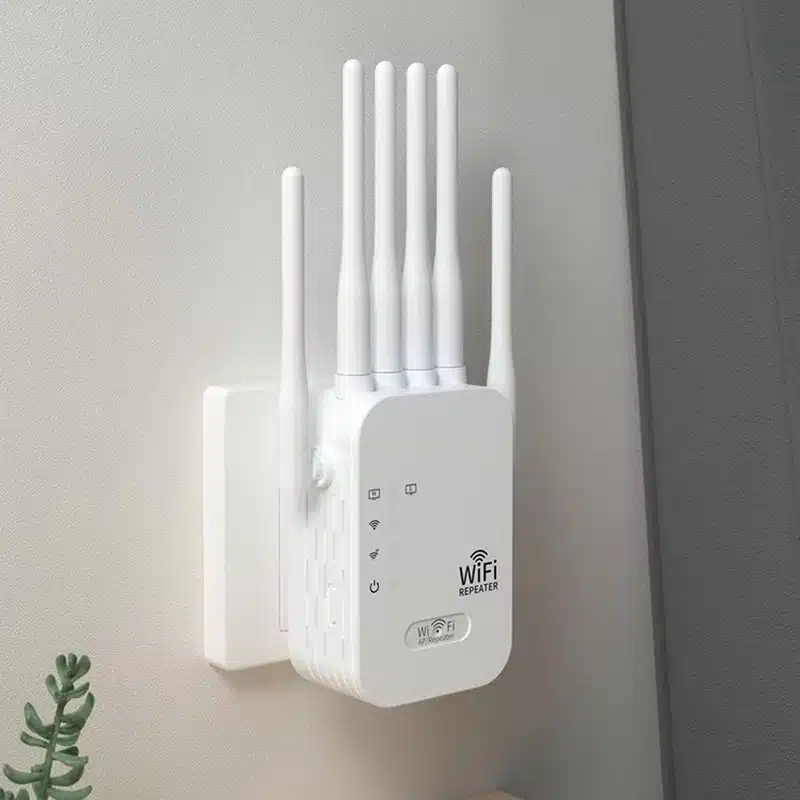
Technical Specifications
| Item | Specification |
|---|---|
| Product Type | Plug-in Wireless WiFi Repeater |
| Main Function | Wireless signal extension for indoor coverage |
| Working Modes | Repeater Mode, AP Mode |
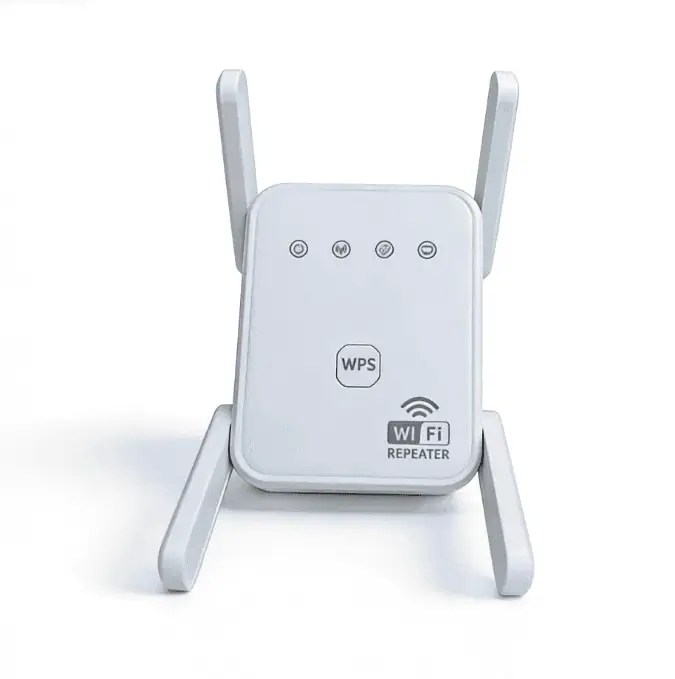
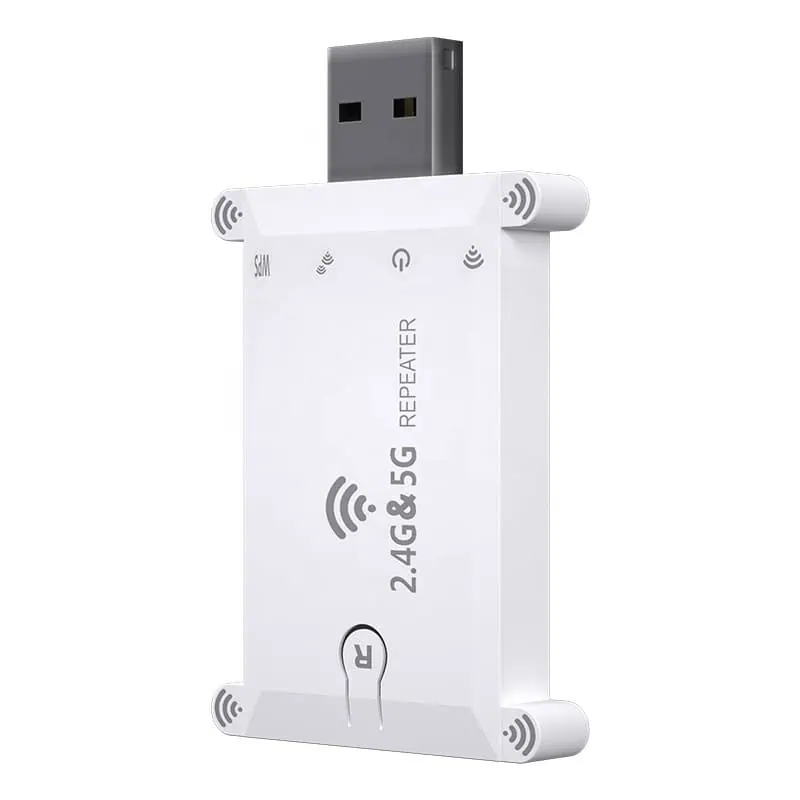
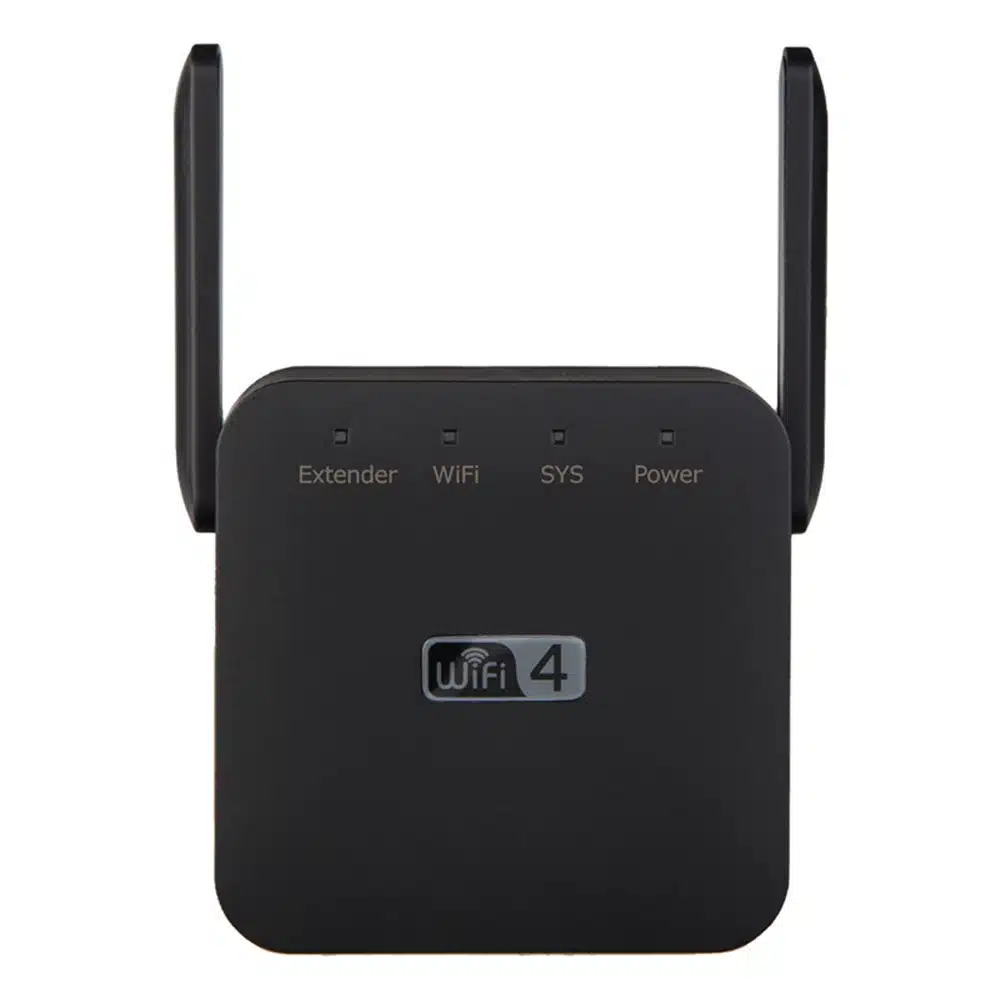
| Installation Style | Wall plug-in design |
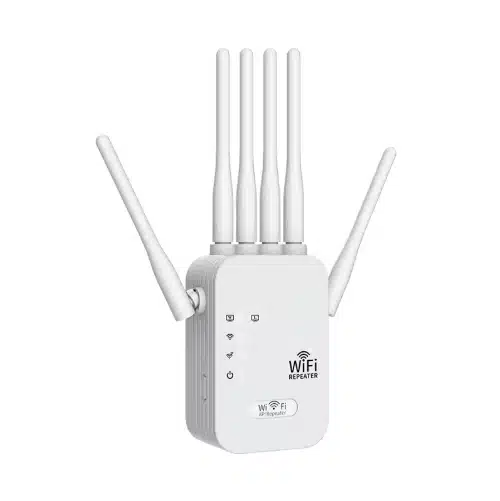
| Antenna Design | External high-gain antenna design |
| Recommended Use | Indoor home, apartment, duplex, dormitory, small office |
| Deployment Purpose | Extend coverage in weak-signal or blind-spot areas |
| Network Access Option | Wireless relay or wired AP deployment |
| Memory Function | Supported |
| User Operation | Simple setup for routine deployment |
| Heat Dissipation | Ventilated housing design |
| Application Position | Midpoint between router and weak-signal area is recommended |
Key Features
-
Feature 1|Dual Working Modes for Flexible Deployment
This repeater supports both repeater mode and AP mode. Buyers can position it as a simple wireless extension device or as a wired-to-wireless access point solution, which improves product usability across different channel markets.
-
Feature 2|Designed for Typical Indoor Signal Blind Spots
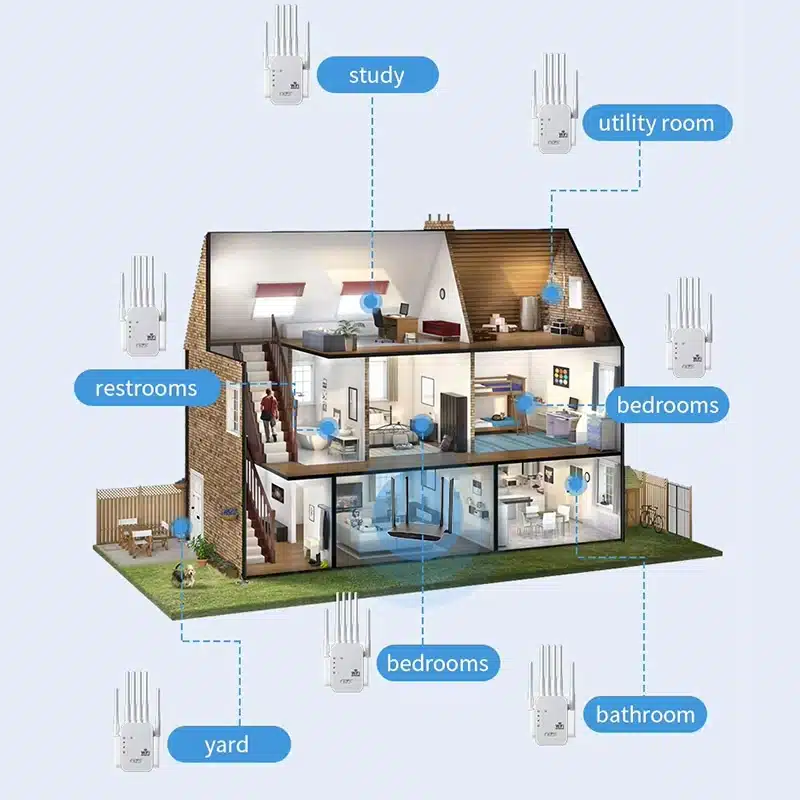
The product is positioned for rooms where WiFi often becomes unstable, such as bedrooms, bathrooms, balconies, and large multi-room layouts. This makes it suitable for practical indoor coverage-extension demand rather than only promotional retail messaging.
-
Feature 3|Better Fit for Large Homes and Multi-Room Layouts
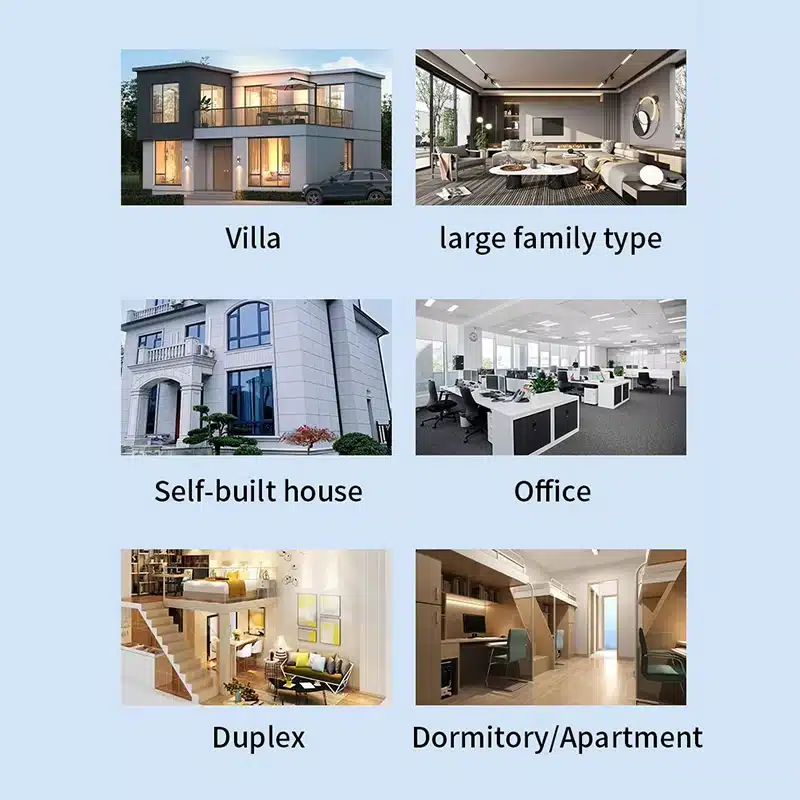
The image materials emphasize use in villas, duplexes, self-built houses, apartments, and small office environments. For distributors and project buyers, this gives the product a wider mainstream application range.
-
Feature 4|Memory Function for Easier Reinstallation
After setup, the device is positioned as a more convenient repeater for repeated use scenarios. This is useful in rental housing, room changes, and flexible deployment environments where users may unplug and relocate the device.
-
Feature 5|External Antenna Structure for Coverage Enhancement
The product uses an external antenna design, which helps position it as a stronger visual and functional solution for indoor signal extension, especially in wall-separated and multi-room spaces.
-
Feature 6|Simple Operation for Mass-Market Channel Sales
The feature set shown in the image materials focuses on straightforward installation, broad room-use compatibility, and routine signal extension needs, which is suitable for value-oriented consumer networking channels and OEM distribution projects.
Applications - Where This Product Fits Best
This compact WiFi repeater is best suited for indoor signal extension, retail-ready consumer networking products, and private-label projects that need simple setup and practical daily-use features.
🏠 Home Coverage
Suitable for large indoor spaces where the main router cannot provide stable room-to-room coverage.
🏨 Duplex and Multi-Floor Units
A practical option for extending WiFi to upper floors, side rooms, and separated living areas.
🏢 Apartments and Dormitories
Helps improve signal availability in compact but partitioned indoor layouts.
☕ Self-Built Houses
Useful where internal walls and room distance create unstable wireless performance.
📚 Bedrooms, Bathrooms, and Balconies
Designed for areas where WiFi often becomes weak because of layout obstacles or distance.
📦 Small Offices
Can be used for basic indoor wireless coverage enhancement in office rooms and work areas.
WiFi Repeater FAQ
These questions cover the most common concerns around indoor deployment, product tier selection, and OEM planning for WiFi repeater programs.
1. What is the difference between repeater mode and AP mode?
Repeater mode extends an existing wireless signal without a cable connection to the router.
AP mode uses a wired connection from the router to create a new wireless access point.
For B2B buyers, AP mode adds flexibility because the same hardware can serve more than one deployment scenario.
2. Where should a WiFi repeater be installed for best performance?
It should usually be placed between the router and the weak-signal area, not too close to the router and not too far away. If the repeater receives only a weak upstream signal, extension quality will also be limited.
3. Is a repeater always suitable for large houses?
Not always. A repeater is suitable when the main problem is coverage extension in normal indoor layouts. If the site has very complex structure, multiple floors, or very heavy device density, buyers may also need to evaluate mesh or multi-node solutions.
4. Why do bedrooms, bathrooms, and balconies often have weak WiFi?
These areas are commonly affected by distance, wall attenuation, room separation, and household interference sources. In practice, signal loss is often caused by layout conditions rather than router failure.
5. What is the commercial value of memory function?
Memory function helps simplify repeated installation and relocation. This is useful in rental properties, room changes, and standardized channel products where easier setup can reduce user friction.
6. Is AP mode better than repeater mode?
Not universally. AP mode is often more stable when cabling is available, because the upstream link is wired. Repeater mode is more convenient when no cable is available. The better mode depends on the installation condition.
7. What type of buyers typically source this kind of repeater?
Common buyers include distributors, wholesalers, online sellers, importers, and OEM buyers targeting entry-level or mid-volume indoor networking products.
8. What should B2B buyers confirm before placing an order?
Buyers should confirm the final hardware version, WiFi speed class, plug type, port specification, firmware language, packaging requirement, and compliance standard before mass production or shipment.
OEM / ODM Evidence for WiFi Repeater Projects
For WiFi repeater projects, OEM / ODM capability should be shown through actual customization scope, validation workflow, and project deliverables — not generic factory claims.
Hardware & PCBA Engineering
Built for buyers who need more than a standard public-board solution.
-
100% in-house hardware development
-
MediaTek / Realtek platform integration
-
Custom ports, power, and PCB layout support
Firmware & Software Support
Suitable for projects that need branded UI, protocol features, or secondary development.
-
OpenWrt-based customization
-
TR-069 / TR-181 integration
-
Multi-language UI and white-label web panel
Rapid Tooling & ID Design
Designed for projects that need private mold, modified housing, or faster sample validation.
-
T0 sample in 25 days
-
In-house tooling and mold-flow review
-
Custom material, finish, and logo options
RF Testing & Quality Control
Used to support more stable wireless performance and lower production risk.
-
In-house 3D OTA chamber
-
LitePoint IQxel calibration
-
Burn-in test from -20°C to 60°C
Production Capacity
Suitable for repeat orders, peak-season supply, and distributor-level programs.
-
8 automated Fuji SMT lines
-
30,000 units/day peak capacity
-
10,000 m² smart manufacturing facility
Lead Time & Supply Chain
Built for faster rollout when the project uses mature repeater platforms.
-
35–45 days for mature PCBA orders
-
Strategic chipset supply support
-
Better fit for scalable B2B programs
Typical OEM / ODM Scope
| OEM / ODM Item | Typical Support | What Buyer Can Confirm |
|---|---|---|
| Logo / branding | Yes | Device logo, label, carton artwork |
| Plug localization | Yes | EU / US / UK / AU plug options |
| Packaging customization | Yes | Gift box, carton mark, manual layout |
| Web UI / app branding | Project-based | UI screenshot or branding sample |
| Firmware feature adjustment | Project-based | Function list confirmation |
| Memory / flash configuration | Project-based | BOM / spec confirmation |
| Certification support | Project-based | Compliance file path by market |
| Sample validation | Yes | Pre-production sample review |
| Pilot run / trial order | Project-based | Trial quantity discussion |
| Mass production release | Yes | QC checkpoints after approval |
Note: OEM / ODM scope for WiFi repeater projects depends on chipset platform, firmware path, compliance requirements, MOQ, and target market. Not every customization item applies equally to every project.
Need a reliable WiFi repeater OEM / ODM partner?
Talk to our team about firmware, housing, interface, and packaging customization.
Factory Support Behind This Product
This product is backed by practical factory support for production, quality control, packaging coordination, and routine workshop management for B2B supply projects.


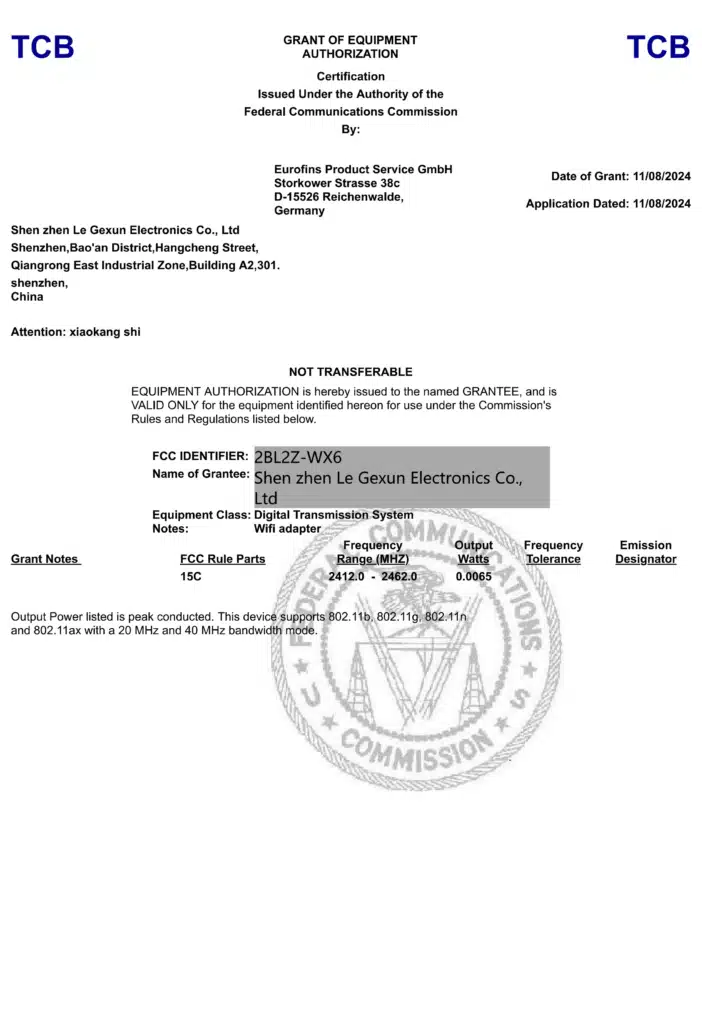
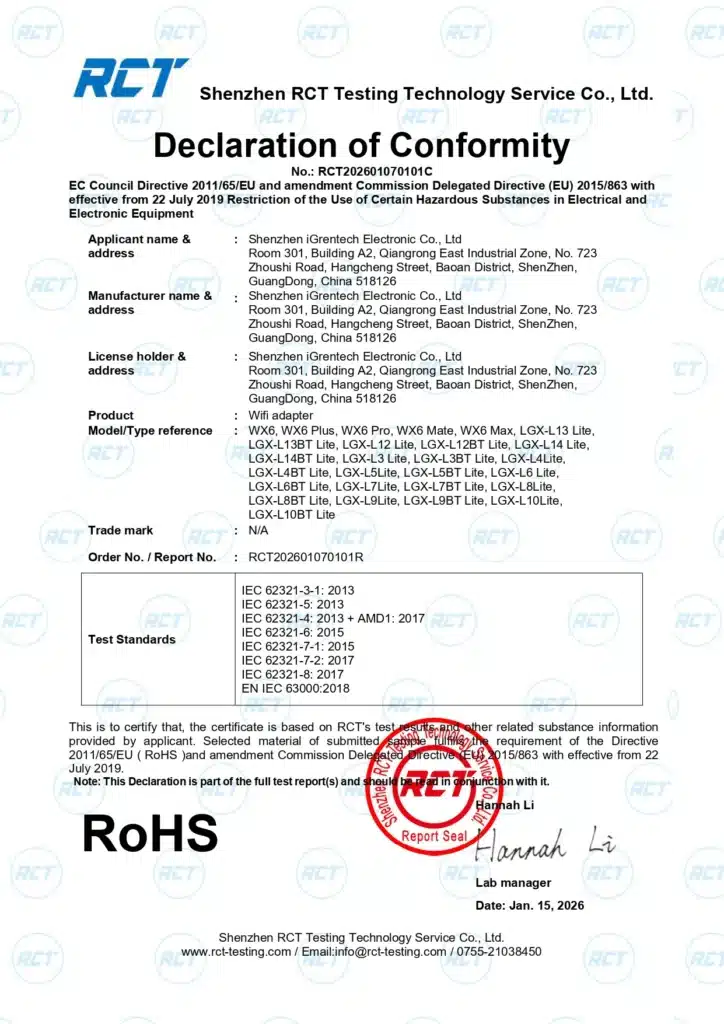
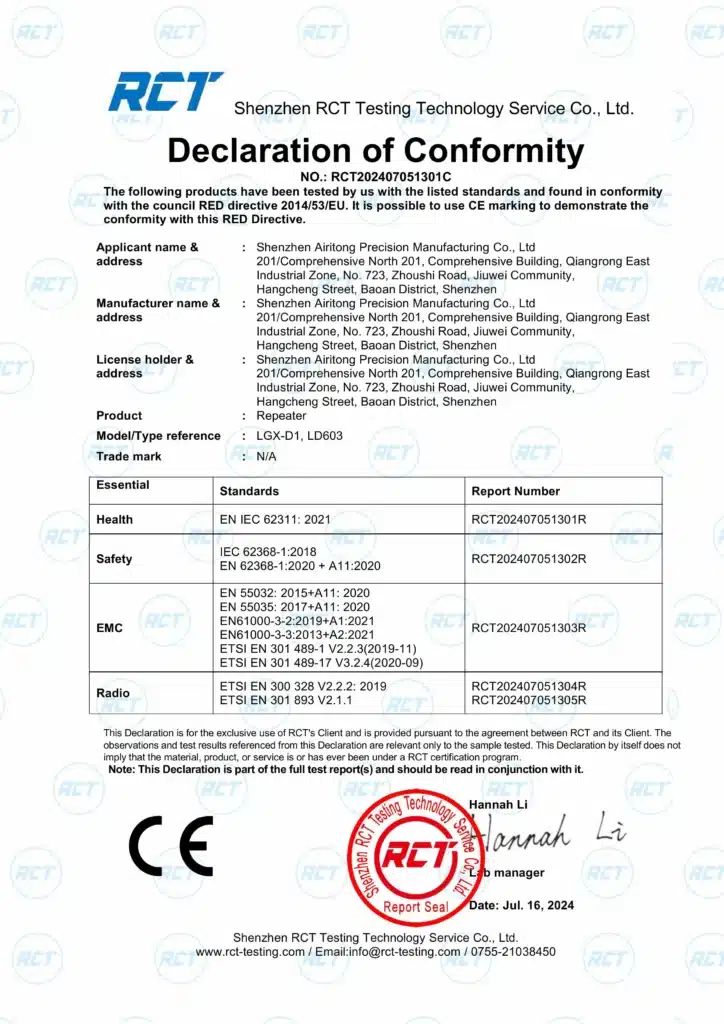
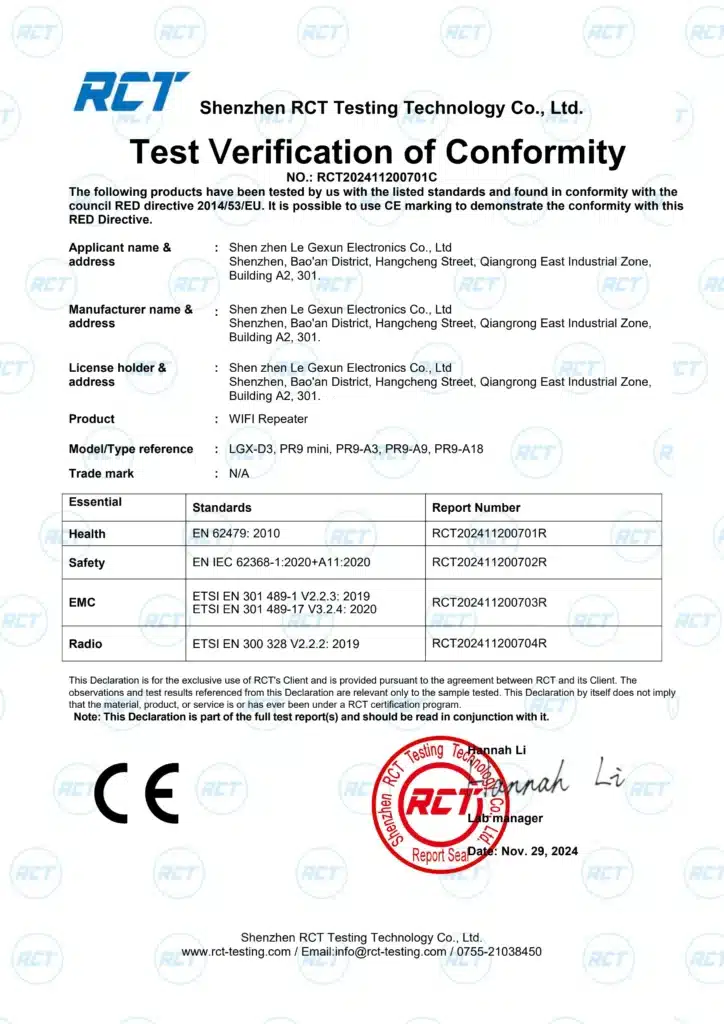
Certificate
Contact Us
Please fill out the form below, and our professional consultants will assist you as soon as possible, typically within 24 hours.
Contact Information
Phone: +86-13923714138
WhatsApp: +8613923714138
Email: addway.wang@igrentech.cn
Address: Room 301, Building A2, Qiangrong East Industrial Zone, No. 723 Zhoushi Road, Hangcheng Street, Shenzhen, Guangdong, China
Lorem ipsum dolor sit amet, consectetur adipiscing elit. Ut elit tellus, luctus nec ullamcorper mattis, pulvinar dapibus leo.